Moving your webshop? The things nobody tells you until after launch.
Your products move easily. Your customers' passwords, your Google rankings and sometimes your email don't. This is what I check with every webshop before a move.
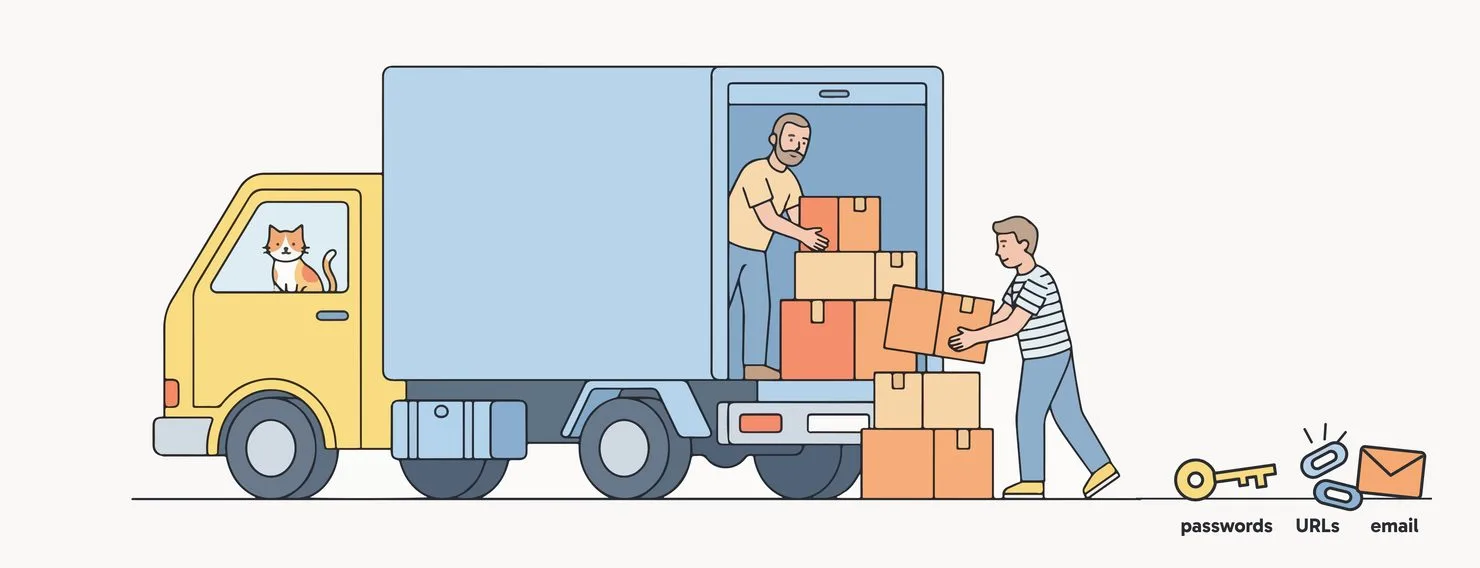
Most webshop owners I talk to see a migration as a copy job. Products out, products in, done. Whether you move to Shopify, WooCommerce or another ecommerce platform, the story is the same. And I get it. That is what every platform's "switch to us" page makes it look like.
The products are the easy part. What goes wrong is everything around them. You usually find out a week after launch, when a regular customer emails that she can't log in anymore.
Three migration surprises that hit after launch
None of these are platform problems. They are planning problems. That is good news, because planning is cheap.
First: is moving the fix?
Before anything else, I ask what is actually wrong today. Too expensive? Missing features? Slow? Or does everyone around you say you should be on another platform?
Sometimes a cleanup, a better theme or a few fixes on the current platform solve the real problem for a fraction of the price. A migration costs money, time and a dip in Google. It should earn that back.
When design is a good reason to move
Some platforms really do limit what your shop can look like and how it works. That can be a valid reason to move. I check four things first:
- Is it the platform or the theme? Many limits come from the current theme, not the platform. Ask what a custom theme could do.
- Does the limit cost sales? No proper filters, no bundles, a clumsy mobile checkout: that is a business case. "I want it to look more modern" alone is not.
- Is there a middle option? A custom front end on top of your current platform gives design freedom without moving your data. It is not cheap, but it exists.
- Who maintains it afterwards? Full design freedom is great until you need a developer to change a banner.
What moves, and what doesn't
This is the overview I wish every owner saw before signing up for a new platform.
Moves with the right tool
- Products, variants and SKUs
- Product images
- Categories and collections
- Customer names and addresses
- Order history
- Page and blog content
Needs its own plan
- Customer passwords: never
- Your URLs: most of them change
- Product reviews
- Gift cards and store credit
- Discount codes
- Data inside apps and plugins
Use the move to clean up. Old products nobody has bought in years don't need to come along. Fewer products means a cleaner shop and fewer redirects to manage.
A migration is not a copy job. It is a redesign of everything your customers never see.
Webshop migration checklist: 10 things to check before you move
The first 60 days after launch
Launch day is the start, not the finish. Google itself says visibility "may fluctuate temporarily" during a move, and that it can take a few weeks before the new URLs show up.
If the numbers are back where they were, the move worked. If they are better, the planning paid for itself.
Planning to move your webshop?
Let's go through your list together before you sign up for anything.